Banning AI Doesn't Stop It. A Clear Path Does.
Why blocking AI chatbots can push work onto personal accounts, and a simple one-page approach that keeps your team productive and your data in view.
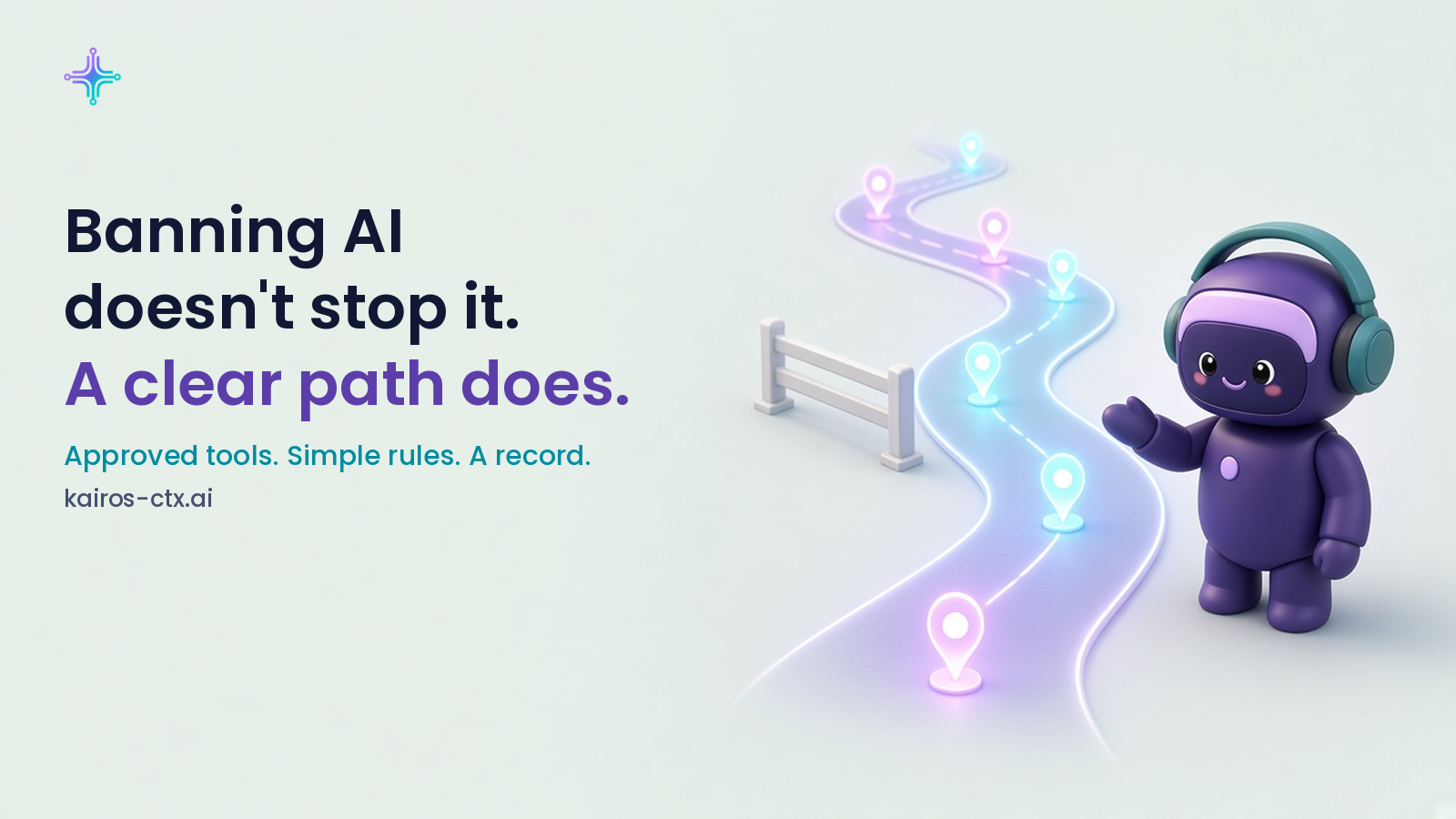
If you run a small business, blocking AI chatbots on work computers can feel like the safe move. No AI, no risk, right?
In practice, it rarely works that way. When someone needs help drafting a reply to an upset customer or cleaning up a messy spreadsheet, the block doesn't make the task go away. They pick up their phone, open a personal account and carry on. The work still gets done. You just can't see what went into it.
This is what people mean by shadow AI: AI used for work without the company knowing about it or approving it. It's rarely bad intent. Usually it's someone trying to do their job well with the tools they have. A recent E-Commerce Times piece made the same point this week: for small businesses, blocking AI can leave you more exposed, not less.
The better answer is to give your team a clear, approved path.
1. Find out what people already use
Before you write any rules, ask. Which AI tools does the team use today, including personal accounts, browser extensions and meeting note-takers? Make it a friendly conversation, not an audit. You'll learn where AI is actually helping and where your information is going.
2. Pick approved tools
Choose the tools people can use for work and make them easy to reach. If the approved option is harder to use than a personal app, people will drift back to the personal app.
3. Write down what stays out
Keep it to a few lines people will remember. For example: no customer payment details, no full customer lists, no contract terms, no employee personal information. Short and specific beats long and vague.
4. Keep a person on anything customer-facing
Let AI draft. Let a person approve anything that goes to a customer, a supplier or the public, especially refunds, complaints and pricing.
5. Name one person to ask
"Ask first when unsure" only works if everyone knows who to ask. Put a name on it.
For everyday employees
A clear path is good news for you. Instead of quietly using AI and hoping it's fine, you get to use it openly, move faster and know exactly what's OK. If your team hasn't talked about this yet, it's a fair question to raise: "Which AI tools can we use, and what should stay out of them?"
Where Kairos fits
Kairos sits between your people and the AI models they use. Each request is checked for sensitive data before it reaches a model, based on the detection rules you configure. Spend stays inside the per-team budgets you set. And you get a record of what went where, without storing message content by default.
That turns "we hope people are being careful" into a path your team can actually follow, and one you can see.
A one-page starter
- List the AI tools your team can use for work.
- Write three to five things that never go into AI tools.
- Require a person to approve anything customer-facing.
- Name the person to ask when someone isn't sure.
- Revisit the page every six months as tools change.
Ready to see who's using AI on your team and what it costs? Start at kairos-ctx.ai.